
Capture-to-canvas core
The frame system everything else rides on. Play once invisibly, capture every frame, paint on scroll.

Scroll-Cinema, Taught Start to FinishThe engine, the site PDFs, the prompts, the template files, and direct access. Built for designers who charge premium.
The Engine Series
8 parts, the moat
Every site starts as a drawing. Sections, spans, one gutter.
Then the light pass. Rays, glows, the grid fading in.
Then the interface lands. This exact page came off this board.
Eight designed PDFs on the capture-to-canvas scroll system. Taught once, referenced by every site PDF, never repeated. Almost no designer has built one of these. That is the point.
The frame system everything else rides on. Play once invisibly, capture every frame, paint on scroll.
Why the scrub feels liquid. The playhead chases the scrollbar, never snaps to it.
Speed you can feel. Fast flicks smear the frame, hard stops land clean.
Zero decode stutter. The frames ahead of you are already decoded when you get there.
Instant repeat visits, and every clip plays backwards for free.
One plan, every device. Span splits the scroll, phones get lighter sources.
The exact order of operations. Three touch points, nothing else moves.
Footage in, segments out. Generate, pick keepers, upscale, wire.
EMBER, RIFT, SEAR, CALIBRE, MARQUE, OREE. One PDF each, covering only what is unique to that site. The shared core lives in the Engine Series, so there is zero duplication. Read one PDF, rebuild that site.

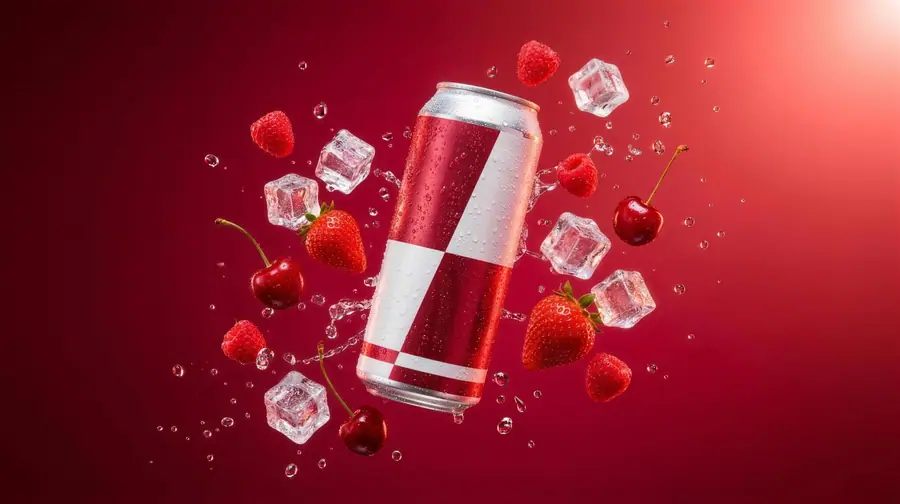
red-berry energy drink
crimson key light, appetite pacing

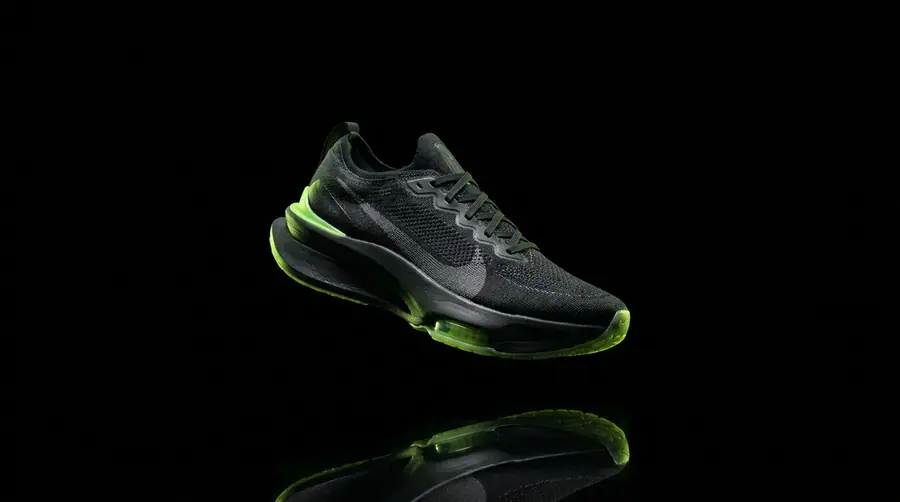
concept sneaker
volt green, kinetic cuts

one-dish steakhouse
amber smoke, the cook reads like a map

astronomical moonphase
gold moons on a night-sky dial

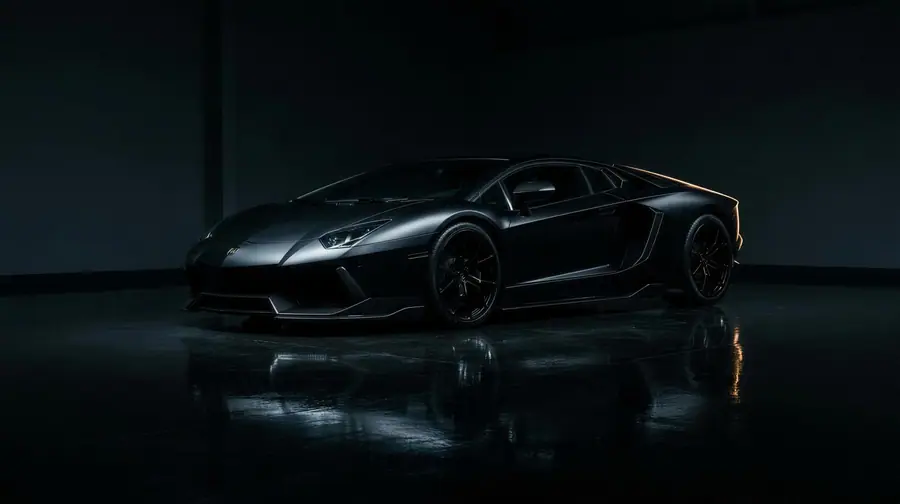
hypercar configurator
inferno paint, the swatch answers

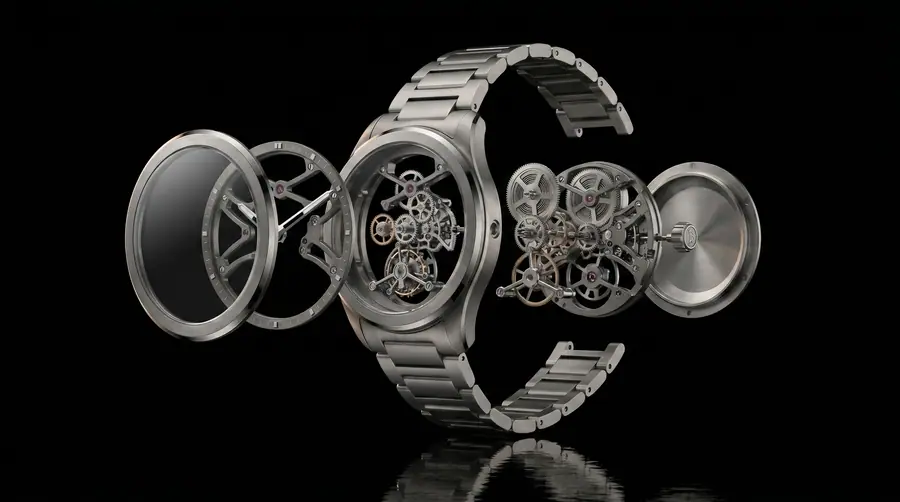
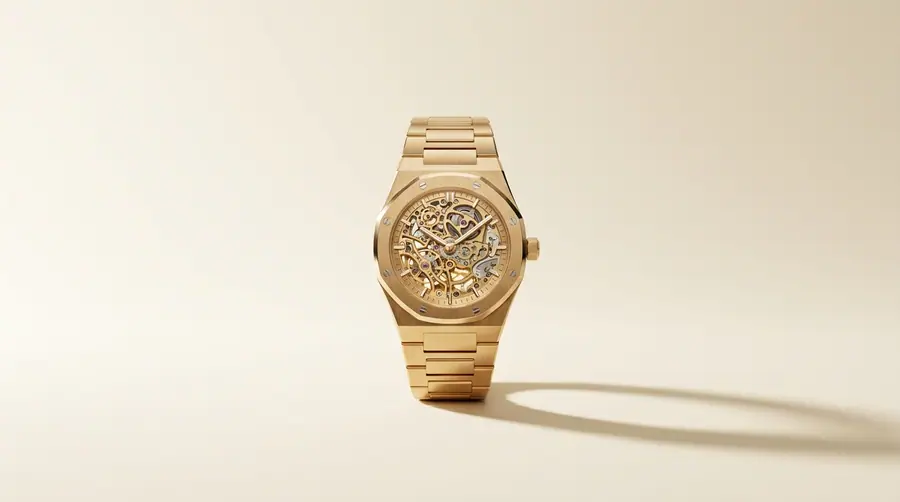
solid-gold skeleton
gold on bone, opened like a flower
Scroll
Four files. The exact prompts behind the stills, the clips, the copy, and the components. Kept current, redacted here.
The redactions come off inside. The rule stays on everything.
Whop handles payment, the trial, and the role. The Premium role opens the locked category. Watch it happen.
The onboarding route. Read this first, it orders everything else.
This site sells. Discord delivers.
The PDFs compound, the files save you weeks. The reason people stay is the room. Watch it happen.
full walkthrough of the reversed-segment trick?
bring the build, we fix it on the call
first client signed off the scroll demo today
Real repo code, copy-paste ready. Free teaches the primitives. Premium teaches the engine.
A clip-path wipe uncovers the element at full opacity. Reads as printed, not faded.
// Mask reveal. The element is fully opaque the whole time, a clip-path
// wipe uncovers it. Reads as printed, not faded.
// The ease is the system's cinematic curve: [0.22, 1, 0.36, 1], 600-900ms.
"use client";
import { motion } from "framer-motion";
export function MaskReveal({ children, delay = 0 }: { children: React.ReactNode; delay?: number }) {
return (
<motion.div
initial={{ clipPath: "inset(0 100% 0 0)" }}
whileInView={{ clipPath: "inset(0 0% 0 0)" }}
viewport={{ once: true, margin: "-10%" }}
transition={{ duration: 0.9, delay, ease: [0.22, 1, 0.36, 1] }}
>
{children}
</motion.div>
);
}
// <MaskReveal><h2>Gold, opened like a flower.</h2></MaskReveal>A soft radial chases the pointer on a spring and lights whatever it passes.
// Spring-follow glow cursor. A big soft radial chases the pointer on a
// spring, screen-blended so it lights whatever it passes over.
// This is the exact component from the scroll-cinema repo.
"use client";
import { useEffect } from "react";
import { motion, useMotionValue, useSpring } from "framer-motion";
export default function CursorGlow() {
const x = useMotionValue(-200);
const y = useMotionValue(-200);
const sx = useSpring(x, { stiffness: 200, damping: 30, mass: 0.5 });
const sy = useSpring(y, { stiffness: 200, damping: 30, mass: 0.5 });
useEffect(() => {
const onMove = (e: MouseEvent) => {
x.set(e.clientX);
y.set(e.clientY);
};
window.addEventListener("mousemove", onMove);
return () => window.removeEventListener("mousemove", onMove);
}, [x, y]);
return (
<motion.div
aria-hidden
className="pointer-events-none fixed z-[60] hidden md:block"
style={{
left: sx,
top: sy,
translateX: "-50%",
translateY: "-50%",
width: 360,
height: 360,
background:
"radial-gradient(circle, rgba(236,232,222,0.10) 0%, rgba(236,232,222,0.035) 35%, transparent 70%)",
filter: "blur(20px)",
mixBlendMode: "screen",
}}
/>
);
}One hairline, spring-smoothed. You always know where you are.
this bar is live, it is reading the page scroll right now
// Scroll progress bar. One hairline, spring-smoothed so it glides
// instead of ticking. Exact component from the scroll-cinema repo.
"use client";
import { motion, useScroll, useSpring } from "framer-motion";
export default function ScrollProgress() {
const { scrollYProgress } = useScroll();
const scaleX = useSpring(scrollYProgress, {
stiffness: 120,
damping: 30,
restDelta: 0.001,
});
return (
<motion.div
className="fixed top-0 left-0 right-0 h-px origin-left z-[55] bg-white/40"
style={{ scaleX }}
/>
);
}The texture that makes a dark section read engineered instead of empty.
/* Hairline grid. Two stacked 1px linear-gradients, then a mask so the
lines dissolve before they hit an edge. The texture that makes a dark
section read engineered instead of empty. */
.hairline-grid {
position: absolute;
inset: 0;
pointer-events: none;
background-image:
linear-gradient(90deg, rgba(236, 236, 234, 0.06) 1px, transparent 0),
linear-gradient(180deg, rgba(236, 236, 234, 0.06) 1px, transparent 0);
background-size: 6vw 6vw;
background-position: 50%;
-webkit-mask-image:
linear-gradient(90deg, transparent, #000 12%, #000 88%, transparent),
linear-gradient(180deg, transparent, #000 12%, #000 88%, transparent);
-webkit-mask-composite: source-in, xor;
mask-image:
linear-gradient(90deg, transparent, #000 12%, #000 88%, transparent),
linear-gradient(180deg, transparent, #000 12%, #000 88%, transparent);
mask-composite: intersect;
}
/* <section style="position:relative">
<div class="hairline-grid"></div>
...content above it...
</section> */An element bound 1:1 to the scrollbar. No timers, no autoplay, scroll up and it plays backwards. The primitive under every scroll-cinema site.
// Scroll scrub. The element is bound 1:1 to the scrollbar: no timers,
// no autoplay, your scroll position IS the playhead. Scroll up and it
// plays backwards. This is the primitive under every scroll-cinema site,
// the premium engine does the same thing with captured video frames.
"use client";
import { useRef } from "react";
import { motion, useScroll, useSpring, useTransform } from "framer-motion";
export function ScrollScrub() {
const ref = useRef<HTMLDivElement>(null);
// progress 0 -> 1 while the element crosses the viewport
const { scrollYProgress } = useScroll({ target: ref, offset: ["start end", "end start"] });
// small spring so the playhead glides instead of ticking
const p = useSpring(scrollYProgress, { stiffness: 120, damping: 30 });
const rotate = useTransform(p, [0, 1], [-120, 120]);
const draw = useTransform(p, [0.1, 0.9], [0, 1]);
return (
<div ref={ref} style={{ display: "grid", placeItems: "center" }}>
<svg viewBox="0 0 200 200" width={220} fill="none">
<circle cx="100" cy="100" r="88" stroke="rgba(127,179,255,.18)" />
{/* the arc draws with scroll, pathLength maps 0 -> 1 */}
<motion.circle
cx="100" cy="100" r="88"
stroke="#7fb3ff" strokeWidth="2" strokeLinecap="round"
style={{ pathLength: draw, rotate: -90 }}
/>
{/* the needle rotates with the same progress */}
<motion.line
x1="100" y1="100" x2="100" y2="28"
stroke="#fff" strokeWidth="2" strokeLinecap="round"
style={{ rotate, transformOrigin: "100px 100px" }}
/>
<circle cx="100" cy="100" r="4" fill="#7fb3ff" />
</svg>
</div>
);
}The row drifts on its own, then your scroll speed leans on it: faster, skewed, direction flips. Speed you can feel.
// Velocity marquee. The row drifts on its own, then your scroll velocity
// leans on it: scroll fast and it speeds up and skews, scroll up and it
// changes direction. Exact pattern from the repo's marquee rows.
"use client";
import { useRef } from "react";
import {
motion, useAnimationFrame, useMotionValue, useScroll,
useSpring, useTransform, useVelocity,
} from "framer-motion";
const wrap = (min: number, max: number, v: number) =>
min + (((v - min) % (max - min)) + (max - min)) % (max - min);
export function VelocityMarquee({ text = "SCROLL FASTER · THE ROW FEELS IT · " }) {
const baseX = useMotionValue(0);
const { scrollY } = useScroll();
const velocity = useVelocity(scrollY);
const smooth = useSpring(velocity, { damping: 50, stiffness: 400 });
// 1 = idle drift; scrolling multiplies and can flip the direction
const factor = useTransform(smooth, [-1200, 0, 1200], [-4, 1, 5]);
const skewX = useTransform(smooth, [-1200, 1200], [12, -12]);
const dir = useRef(1);
useAnimationFrame((_, delta) => {
const f = factor.get();
if (f < 0) dir.current = -1;
else if (f > 0) dir.current = 1;
baseX.set(baseX.get() + dir.current * Math.abs(f) * 4 * (delta / 1000));
});
const x = useTransform(baseX, (v) => `${wrap(-50, 0, v)}%`);
return (
<div style={{ overflow: "hidden", whiteSpace: "nowrap" }}>
<motion.div style={{ x, skewX, display: "inline-block" }}>
{/* content twice so the -50% wrap is seamless */}
<span>{text.repeat(4)}</span>
</motion.div>
</div>
);
}Near-black canvas, bone and deep green accents, hairline grids, chamfer corners, spring-follow glow cursor, 600 to 900ms reveals. Every PDF builds on the same values.
TOKENS
background
#060606
foreground
#ECECEA
OREE bone
#EFE7D4
OREE deep green
#1E3A2E
chamfer corners, like this card. Not rounded, not sharp.
EASING, THE DISTINCTION
Two different jobs. The long curve sells the reveal, the short one keeps the interface honest. Mixing them up is the tell of a template site.